UI/UX & VR
Meta Horizon UI
Meta Horizon UI
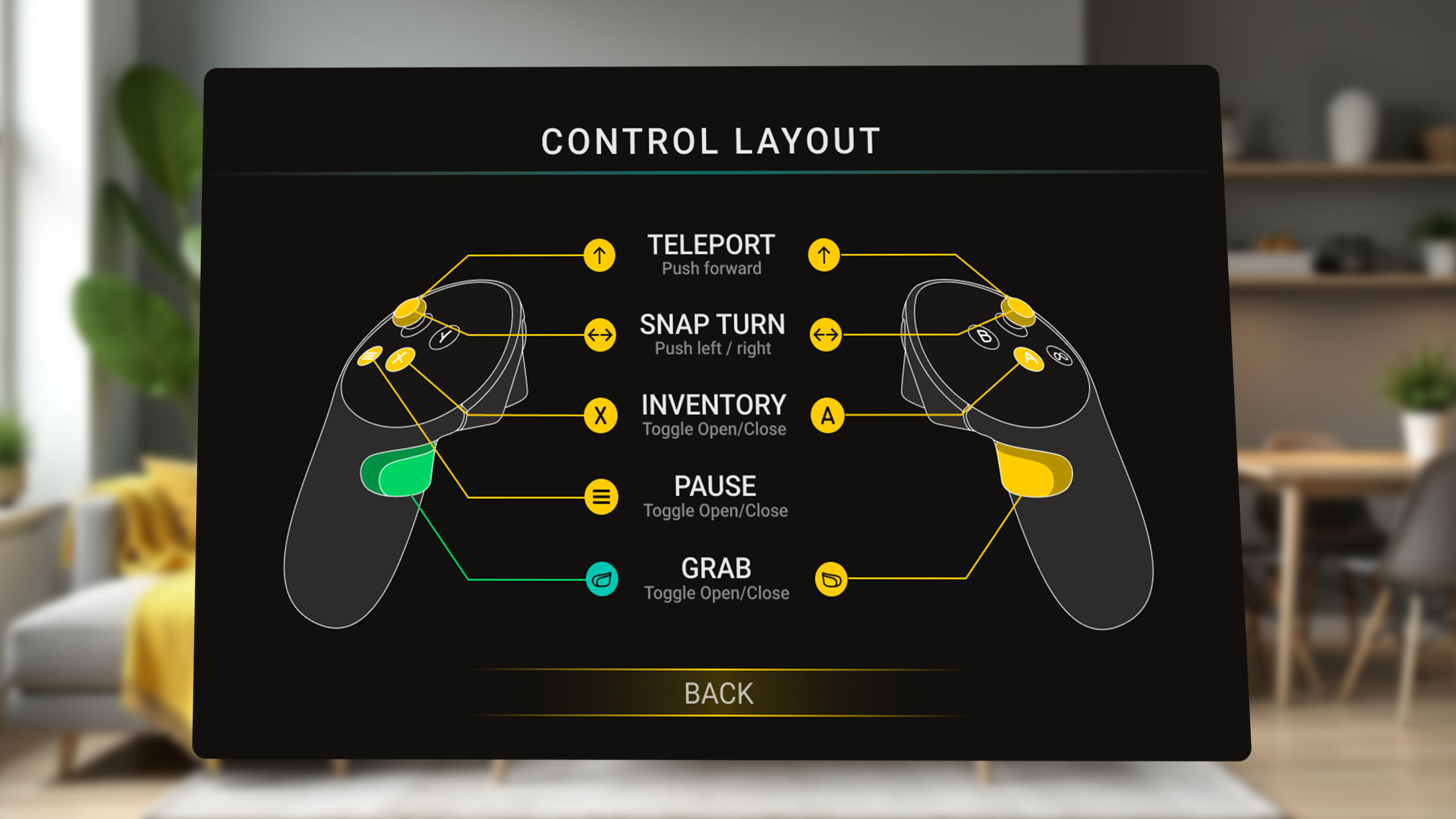
Interactive VR Control Layout
This is a mini-sample requested by Meta to showcase UI creation inside Meta Horizon Studio.
Meta added Noesis/WPF as its new UI system, and needed a large set of best practices samples.
My role
As Noesis Studio’s UX designer, and being thoroughly familiarized with Game UI patterns and Noesis/WPF design, I was in charge of the Design side of the mini-samples batch, spanning 6 months.
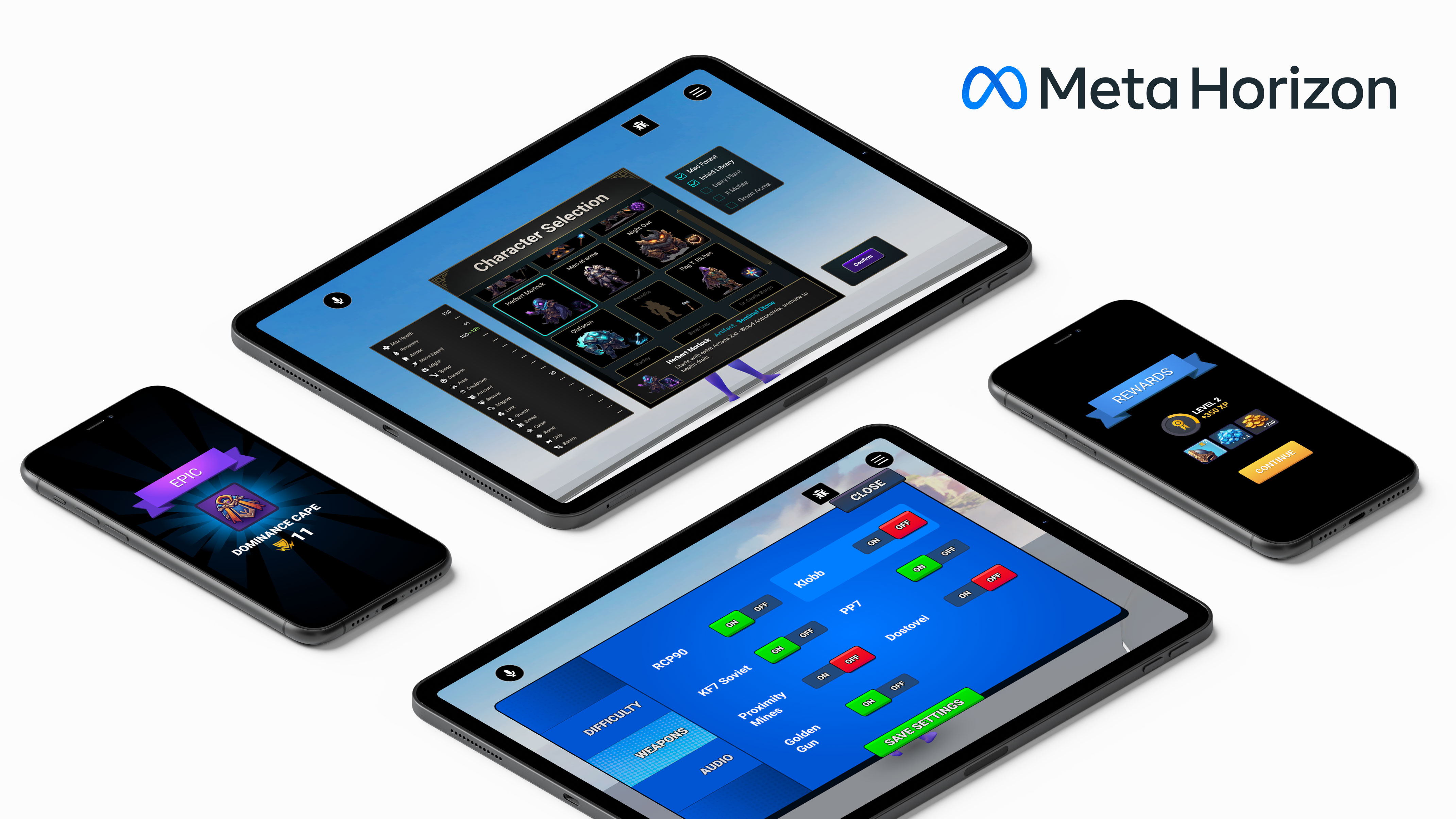
In that time we added dozens of custom UI components for the Meta Horizon platform as a set of resources and showcases.
Those components range from setting panels to in-game compass and HUD overlays, being supported in Meta Quest VR Headset and a wide range of Mobile hardware.
Process
This sample was created to display a visual representation of the link between the user actions and the controls.
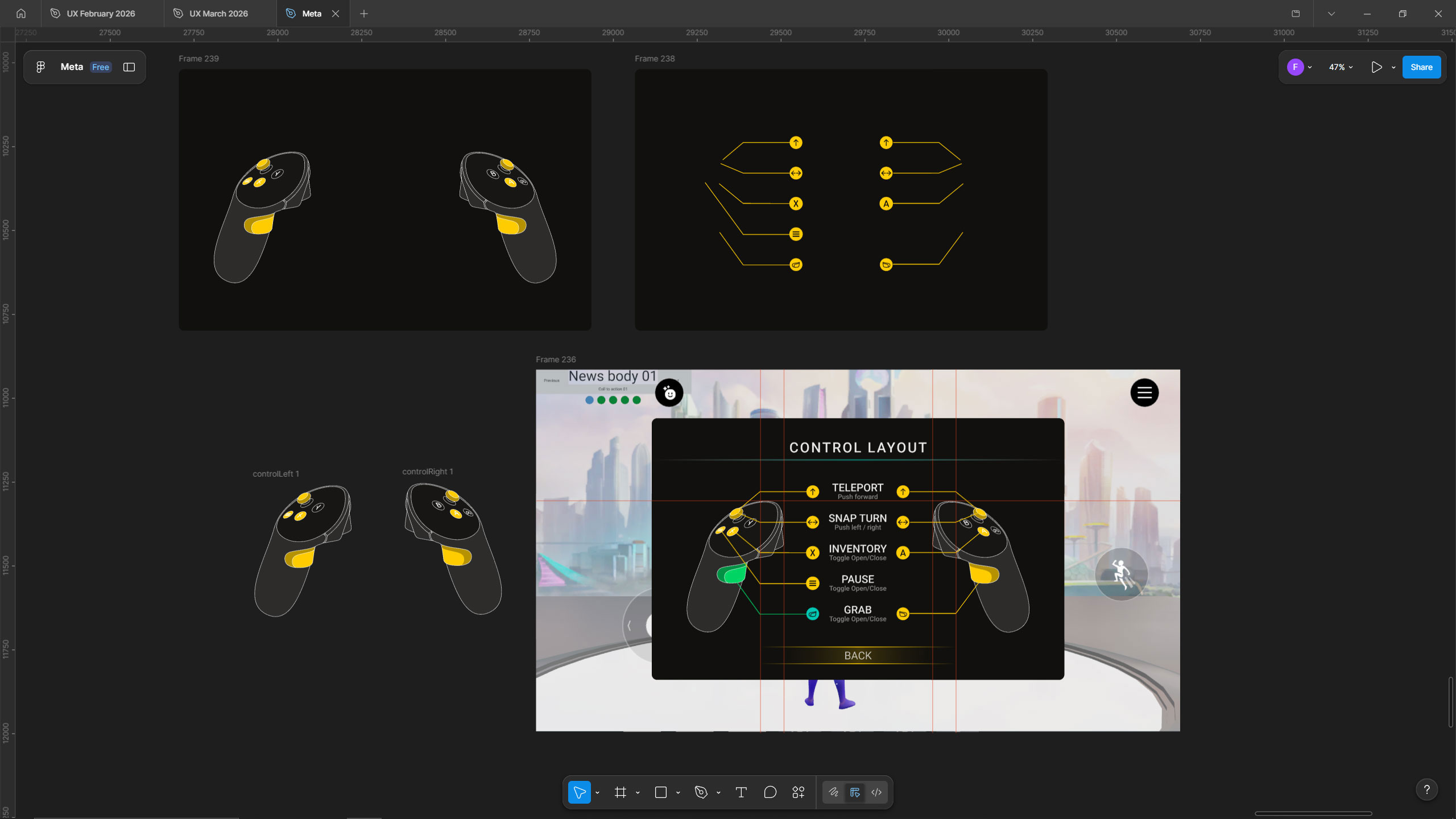
First I created some wireframes with the idea, then I drew Meta Quest 3 Controller outlines and buttons in Illustrator.
Next, I assembled it in Figma and detailed the color scheme and rest of the graphics. I rendered some images from a Controller’s 3D model to use it in the transition.
Finally I took everything to Horizon Studio and assembled the panel, added interactivity for the buttons and created a Load animation.